
Cart items:
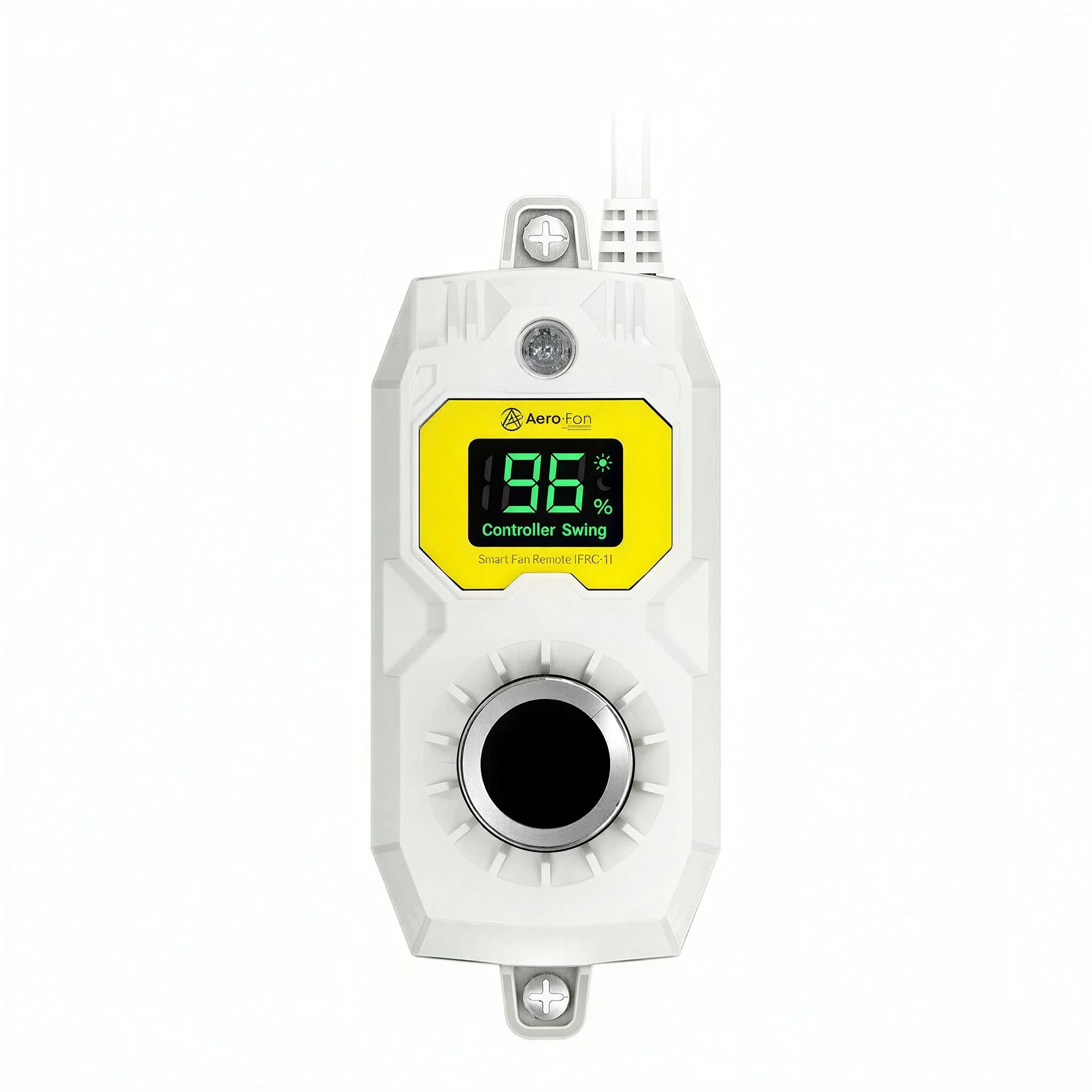
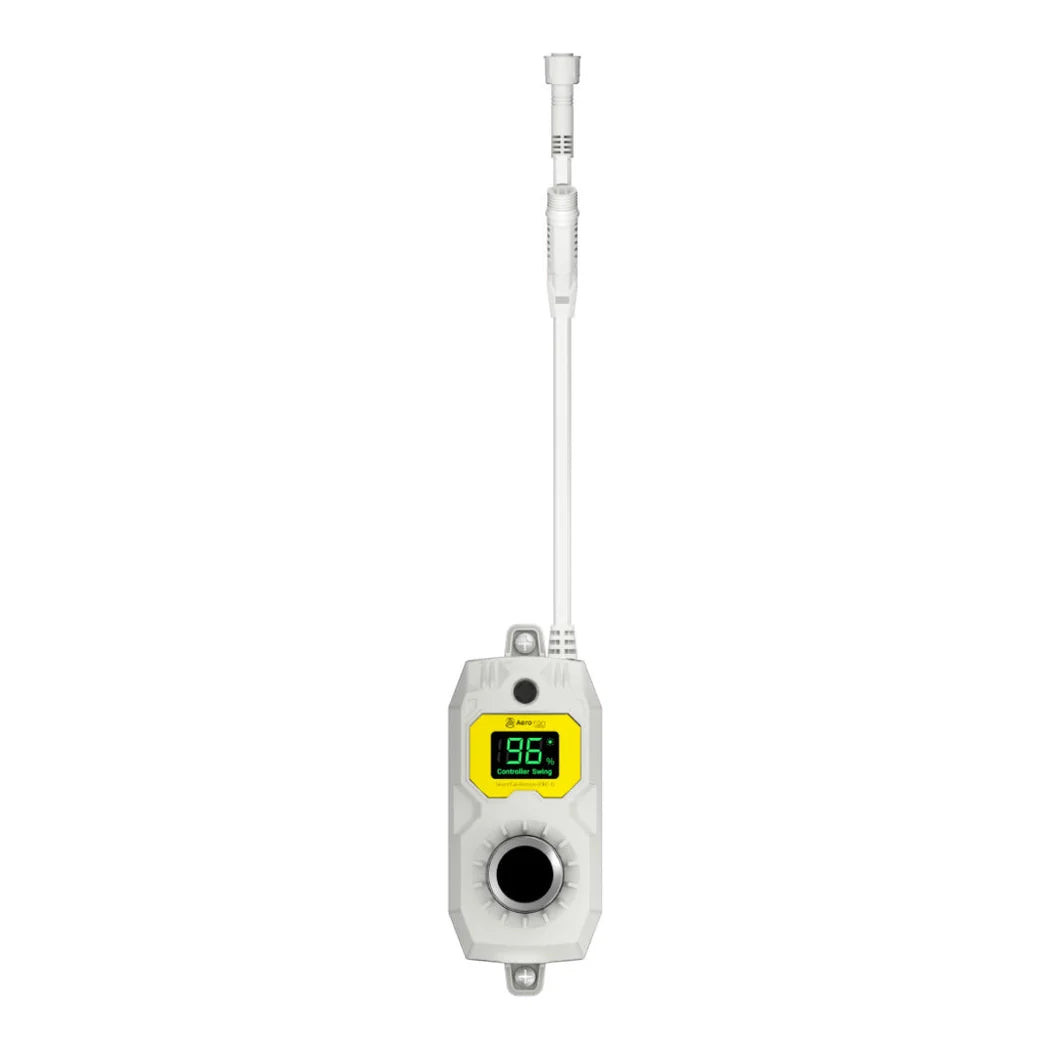


TrolMaster Aero-Fan FRC-1 Smart Fan Remote with Photocell
TRFFRC1

With a strong portfolio of manufactured and distributed brands, we are one of the lead...
City: US, Shoemakersville
Our Advantages
- Competitive Price Matching
- Fast & Discreet Shipping (2-3 days)
- Safe & Secure Shopping
- High Quality Trusted Brands
Buying Multiple Units?
ACH Payments Available
Adjust Aero-Fan Speed and Schedule From One Knob
Walking to each fan individually to change speed or settings gets tedious once a room runs more than one unit. The TrolMaster FRC-1 smart fan remote centralizes that control for compatible Aero-Fan models, combining a speed-adjustment knob, a built-in photocell, and a small LCD screen into one device.
Growers can set separate day and night power levels, and on oscillating Aero-Fan models, switch between swing modes directly from the remote rather than at each fan.
Key Features & Benefits
- Group Control — manages multiple Aero-Fan units from a single remote.
- Separate Day and Night Settings — sets distinct power levels for different times of day.
- Built-In Photocell — detects day and night automatically for scheduling.
- LCD Screen — displays current settings at a glance.
- Oscillating Swing Mode Control — switches swing modes on compatible oscillating fans.
Who Should Use the FRC-1 Smart Fan Remote
Growers running one or more compatible Aero-Fan units who want centralized control over speed and day/night settings, rather than adjusting each fan individually, are the intended users of the FRC-1. It's especially useful once a room runs enough fans that walking to each one becomes impractical.
About Aero-Fan
Aero-Fan, TrolMaster's ventilation fan brand, builds the FRC-1 remote to give growers centralized control across a room's worth of fans rather than adjusting each one by hand. The built-in photocell reflects the same day/night automation philosophy found throughout TrolMaster's Sacramento, California-engineered device lineup.
Frequently Asked Questions
- What's included with the FRC-1?
- The remote and one ECS-9 cable. That covers a standard single-remote installation.
- Can I set different fan speeds for day and night?
- Yes, the FRC-1 supports separate day and night power settings. The built-in photocell handles switching between them automatically.
- Does it work with oscillating Aero-Fan models?
- Yes, it lets you switch between swing modes on compatible oscillating fans. That control is available directly from the remote.
- How many fans can one FRC-1 control?
- More than one, since the remote supports group control of multiple Aero-Fan units together. Exact group size depends on the specific fan models being controlled.
Brand
Aero-Fan
GTIN
6970207972360
Product weight
0.86 lb
Length
6.3 in
Width
3.39 in
Height
3.39 in
Returns
30-day returns
No reviews found
Please sign in so that we can notify you about a reply